
Video
The main tab: cameras are added here and each stream's quality is configured.
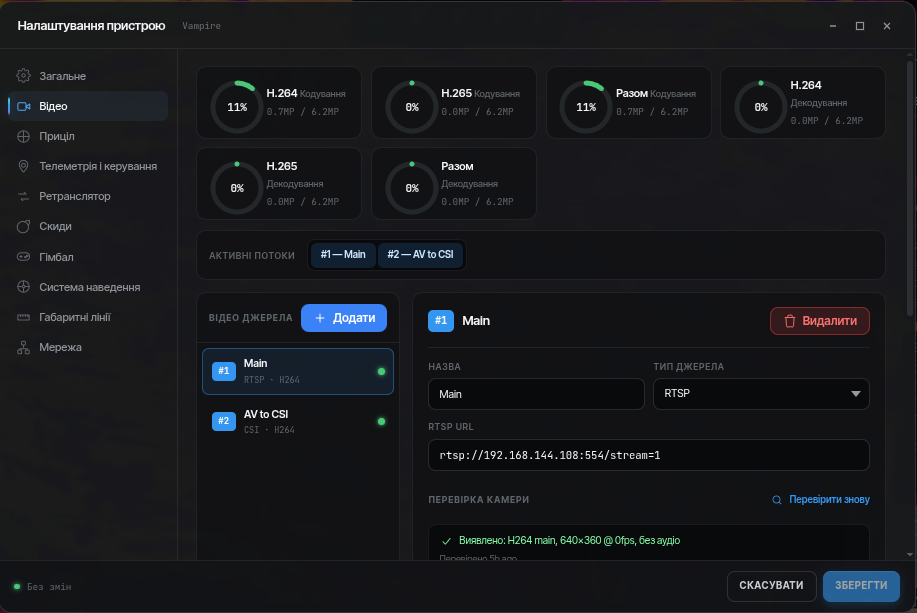
Codec budget
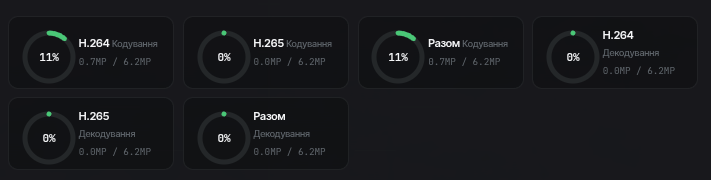
The board's hardware encoders have a limited capacity: the higher a stream's resolution and frame rate, the bigger the share it takes. The indicator shows how much of each codec's budget is already used by the existing streams and how much is still available. If the budget is exhausted, add a stream with a lower resolution or frame rate — or free some budget by disabling another stream.
Video sources
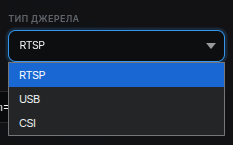
Each stream is a "source". Source types:
RTSP — an IP camera. Enter the stream address (
rtsp://login:password@address...). The Check button queries the camera and shows what it outputs (codec, resolution).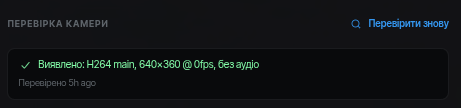
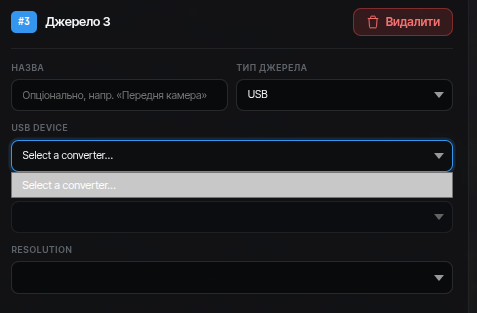
USB — a USB camera or an analog (AV) converter. The device shows the list of connected cameras — just pick one.
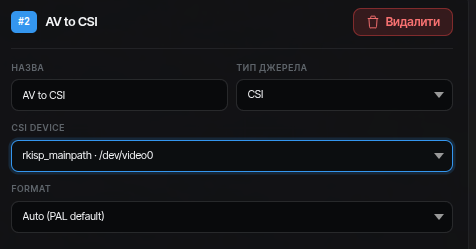
CSI — a camera or an analog (AV) converter connected to the board with a ribbon cable.
Stream mode
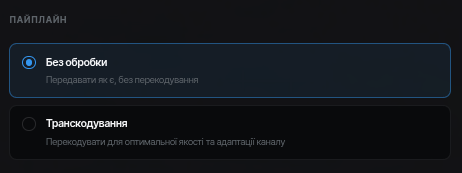
- No transcoding (passthrough) — the camera's video goes as is. Minimal load and latency, but quality and bitrate are set on the camera itself. For IP cameras this is usually quite enough.
- Transcoding (transcode) — the device compresses the video itself: resolution, frame rate and bitrate can be set independently of the camera. Required for USB/CSI cameras and whenever you need to control the bitrate. Also sensible for auxiliary streams that can run at a minimal bitrate — for example, a UGV rear-view camera.
Compensation mechanisms
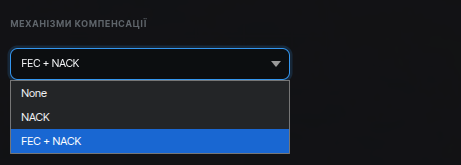
What to do about packets lost in the network:
- NACK — the receiver notices a lost packet and asks for it to be re-sent. Works well for isolated losses but adds latency: there must be time to re-request the packet.
- FEC — redundant data is added to the video in advance, and the receiver reconstructs what was lost without re-requests. Losses are smoothed out immediately, but part of the bitrate is spent on the redundancy.
FEC and H.265
FEC does not work for H.265 streams — for them, rely on NACK only.
Sound
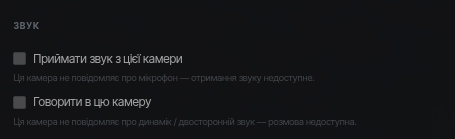
If the camera has a microphone, or a speaker is connected to the device, two-way audio can be enabled. There is no echo cancellation, so the audio works like a walkie-talkie: press the button to talk, release to listen. Once enabled, an audio/microphone control appears in the session top bar.
Image output parameters
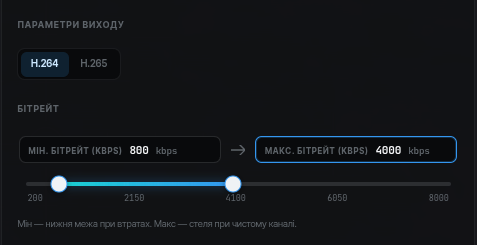
The section appears in transcoding mode (for an RTSP stream in transcode mode and for USB/CSI sources). The available parameters and codecs depend on the specific single-board computer.
The bitrate is set as a range — minimum and maximum. The system automatically keeps the bitrate within these bounds: it drops towards the minimum when the link degrades and returns to the maximum when it recovers.
Advanced settings
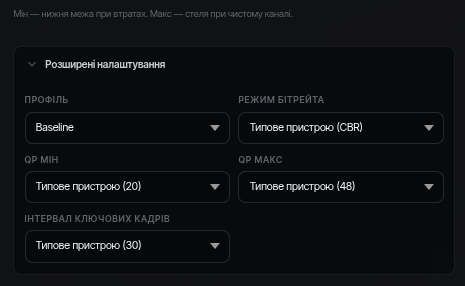
Per stream: H.264 profile, bitrate mode, GOP, quality (QP). Change them only if you know why — the defaults are chosen well.
- H.264 profile — in most cases base or main is better. The high profile is unstable in the current client implementation — the stream may reconnect periodically.
- Bitrate mode — CBR keeps the bitrate constant (predictable link load), VBR lets it float with scene complexity (steadier quality). For a CSI converter, VBR is preferable.
Several USB cameras on a Raspberry Pi
The Pi 4B USB bus is limited: two or more USB cameras only work in the MJPG format. If the second camera does not start — switch the format.