
Main window
After signing in, the main application window opens.
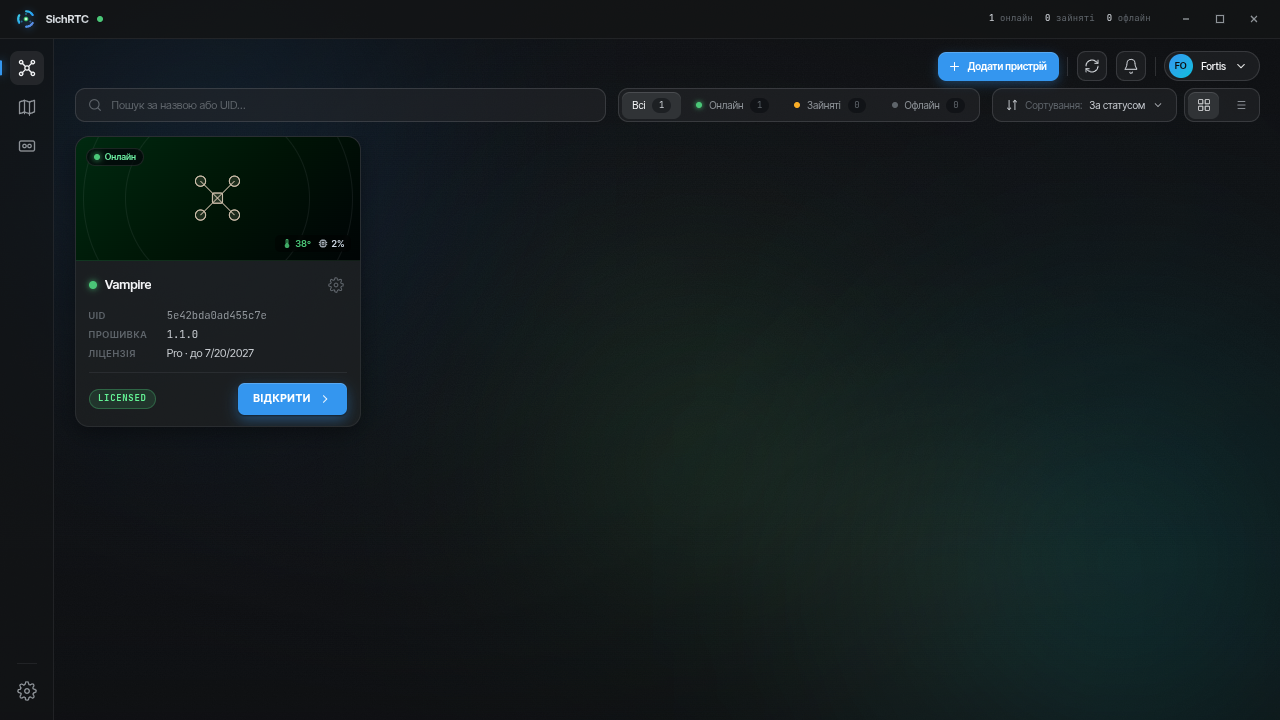
What is here:
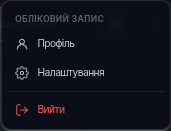
Top bar — device counters (online / busy / offline), the Add device button, list refresh, notifications and the account menu (profile, settings, sign out):
Left sidebar — switching between sections: Devices, Map, Recordings; at the bottom — the ⚙ icon with application settings.
Work area — content of the active section; by default this is the device list.
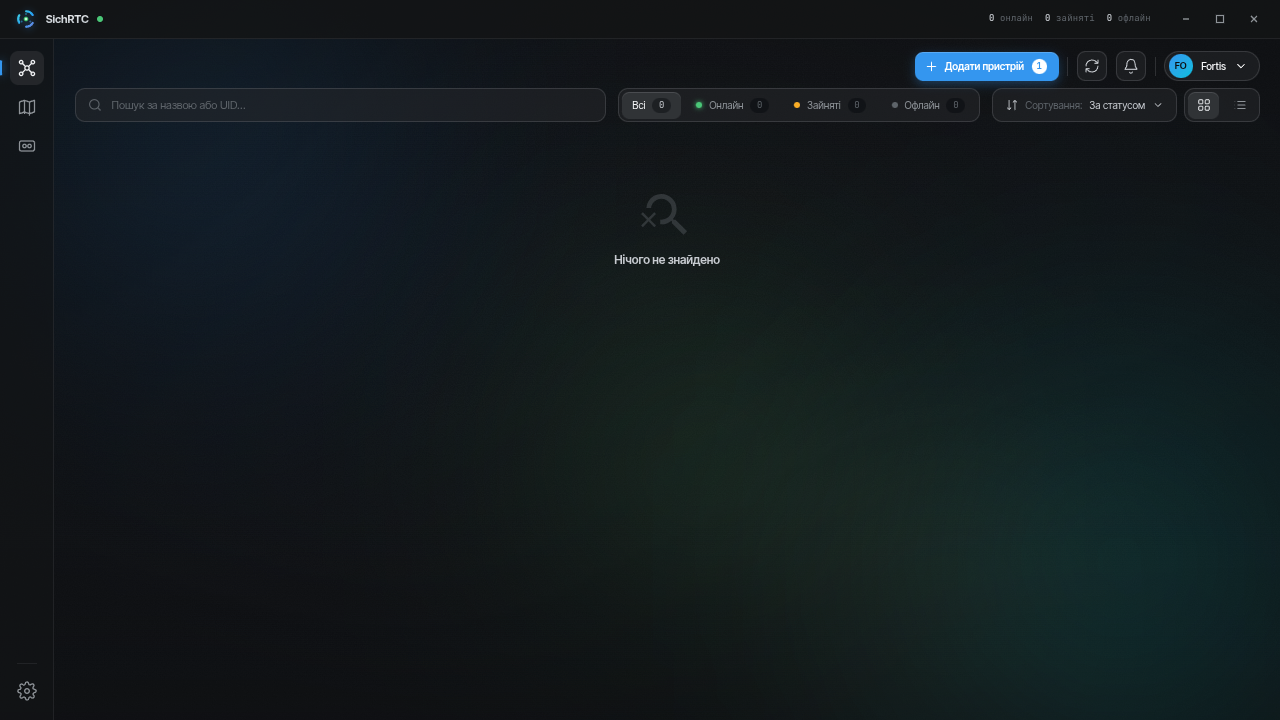
While there are no devices yet, the list is empty — start with device activation:
A notification on the main screen will announce a new app version — installation is done in the application settings.