
Registration and sign-in
Registration
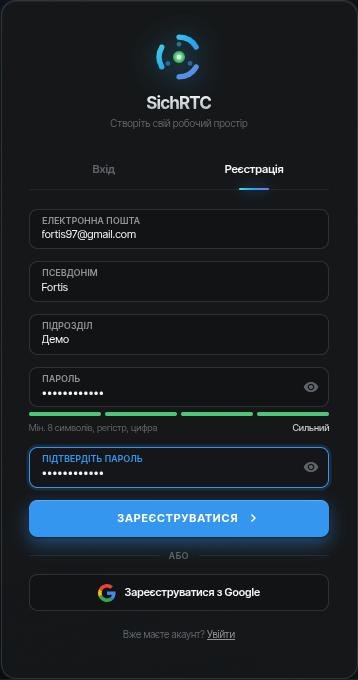
- Open the app → the Register tab.
- Enter your email, nickname, subdivision and password (at least 8 characters, upper and lower case letters, a digit) — or register with Google.
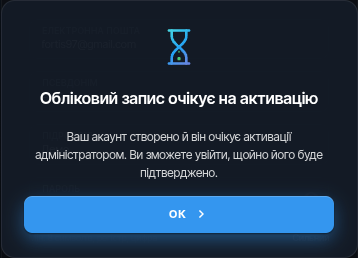
- After registration the account is pending activation by an administrator — you will not be able to sign in right away, this is normal.
- Once the administrator confirms the account, you can sign in. If activation is taking too long — contact support.
After the form is submitted, the app shows that the account is awaiting approval:
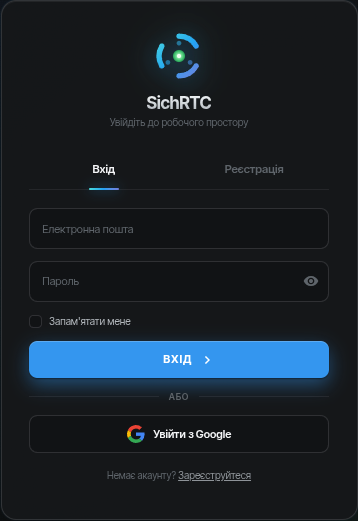
Sign-in
Enter your email and password (or sign in with Google). After signing in you will see the main window with the device list.
Next: flashing the SD card →