
Application settings
These are the settings of the program on your computer — not to be confused with the device settings, which change the vehicle's behaviour. They open from the main screen (⚙ icon in the top bar).
General
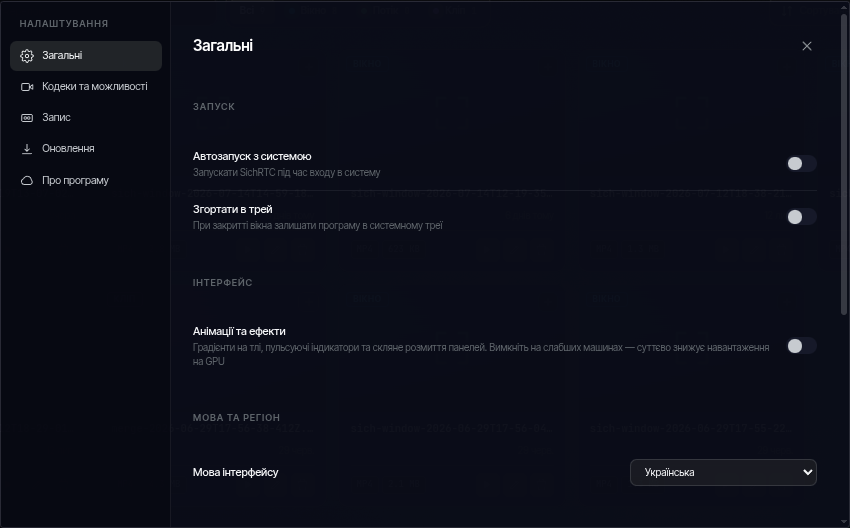
- Startup — launch SichRTC on system sign-in; minimize to the system tray when the window is closed.
- Interface — animations and effects (gradients, glass blur). Turn them off on weaker computers — it significantly reduces GPU load.
- Language & region — interface language.
- Map caching — map tiles are saved to disk as you browse, so previously viewed areas work offline. You can set a cache size limit or clear it.
Codecs & capabilities
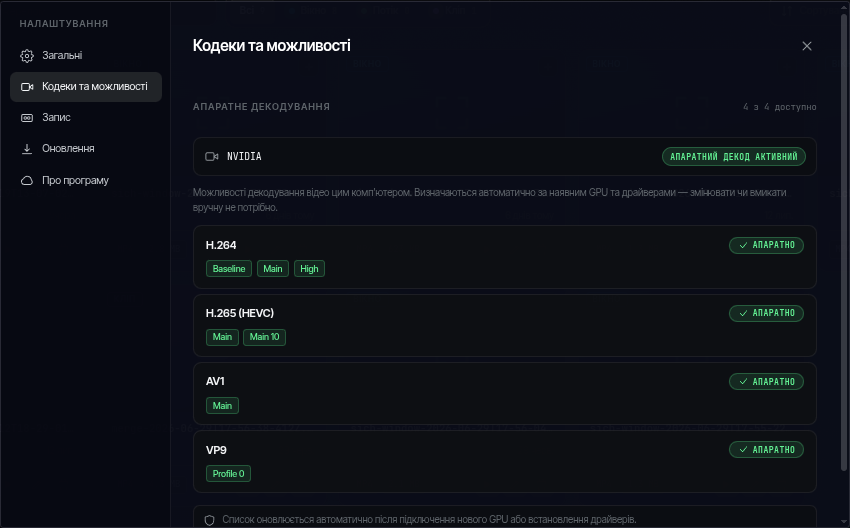
An informational tab: it shows which codecs your computer can decode in hardware (H.264, H.265, AV1, VP9, etc.). The list is detected automatically from the GPU and drivers — nothing needs to be enabled by hand. This lets session video decode on the graphics card instead of the CPU.
Recording
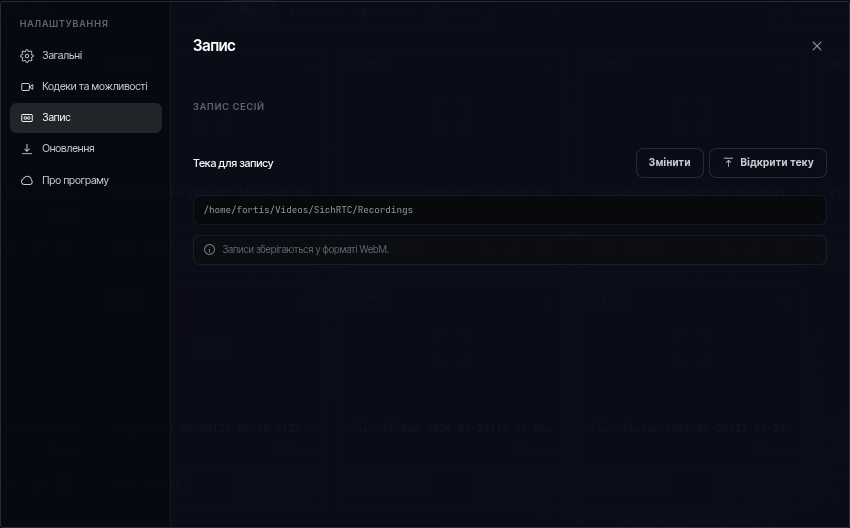
The folder where session recordings are stored, with a quick link to open it.
Updates
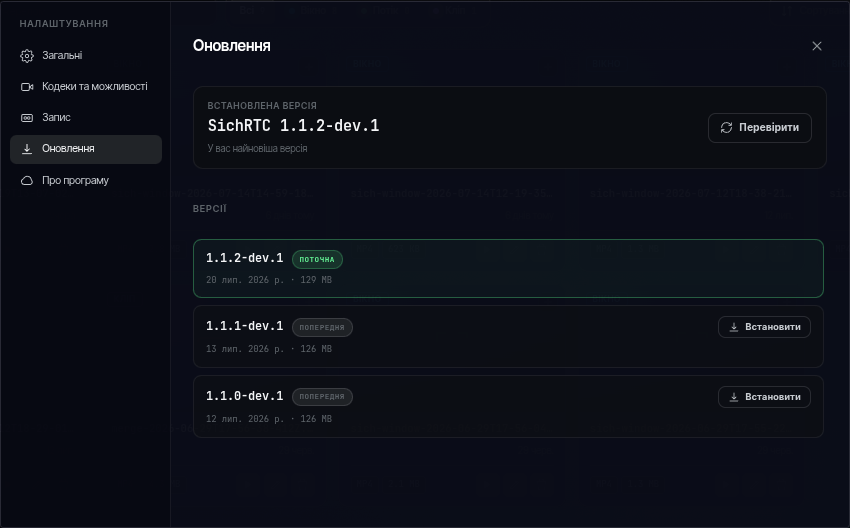
The app version list. A notification on the main screen announces new versions; here you can install the one you need — the app downloads it and restarts itself.
About
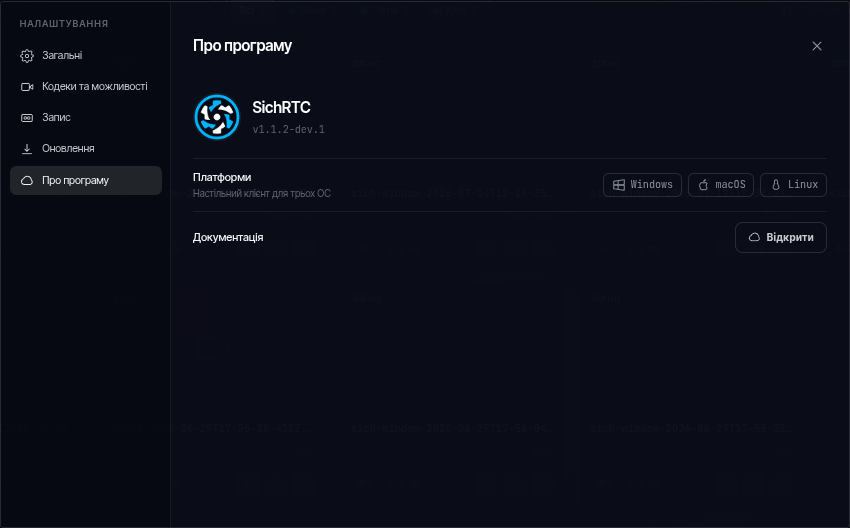
Version, documentation links and supported platforms.