
Firmware update
The device firmware updates over the air — right from the app, with no access to the board required.
How to update
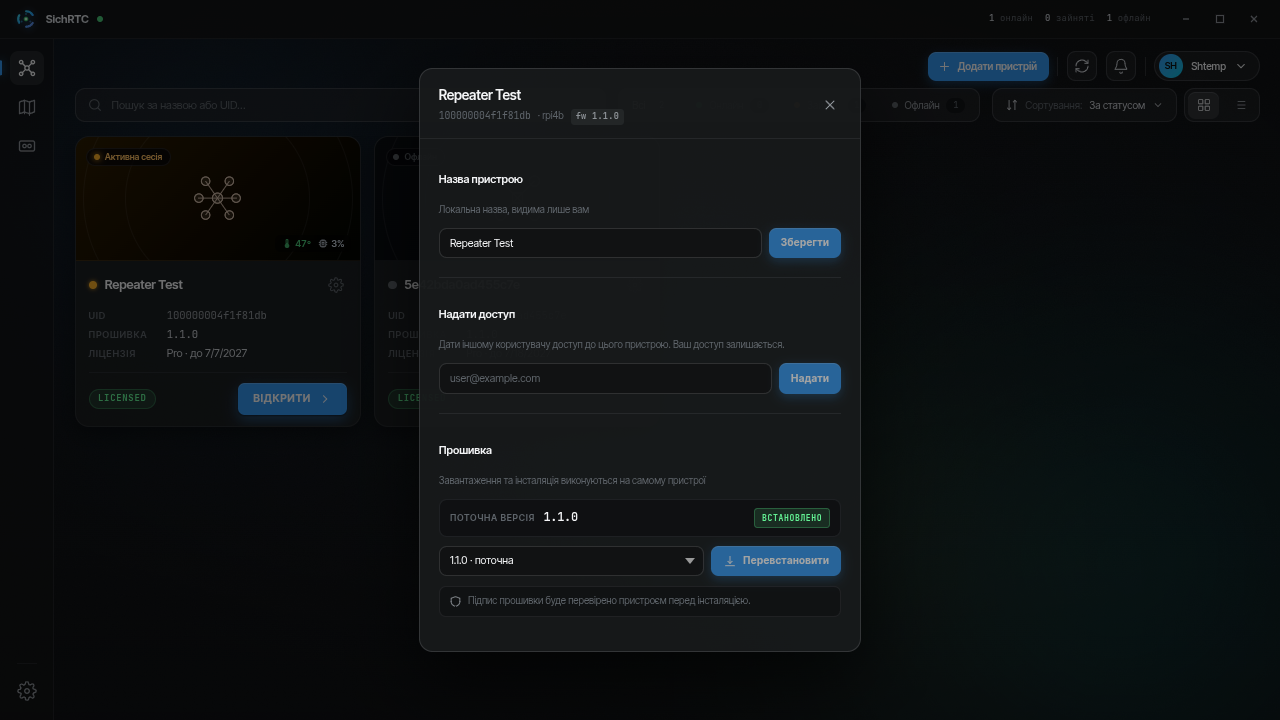
- Open the device settings → the Versions tab.
- If a new version is available, an Update button appears.
- Click it and wait: the device downloads the firmware, verifies its integrity and signature, installs it and restarts.
- The whole process takes up to a minute; progress is shown in the app.
During the update
Do not cut the device's power. If the update was interrupted, the device keeps running the previous version — just try again.
Starlink
Do not update the firmware right after the Starlink dish has rebooted or when it is about to — wait for a stable link.