
Control
Remote
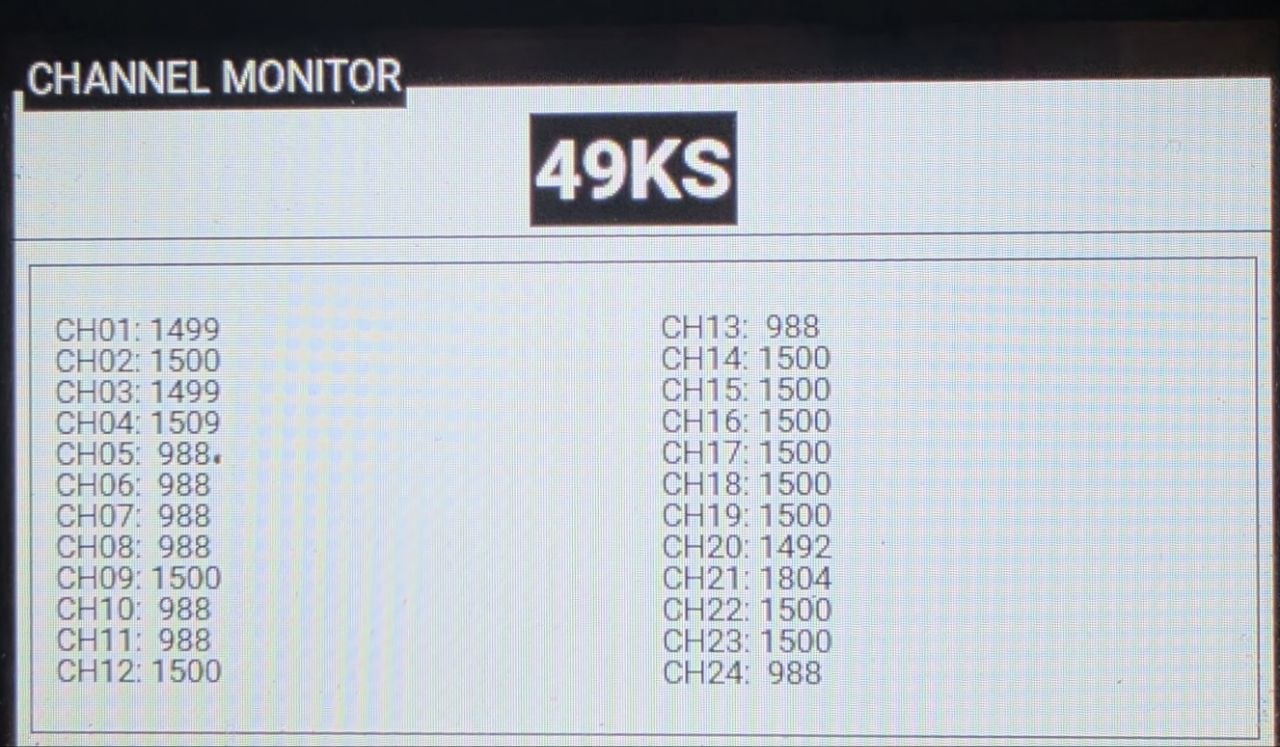
Connect a RadioMaster remote to the computer — the app forwards the control channels to the device. Channel mapping is configured in the Telemetry & Control tab, and the connection state is shown by the RC channels icon in the session top bar.
Connecting a RadioMaster
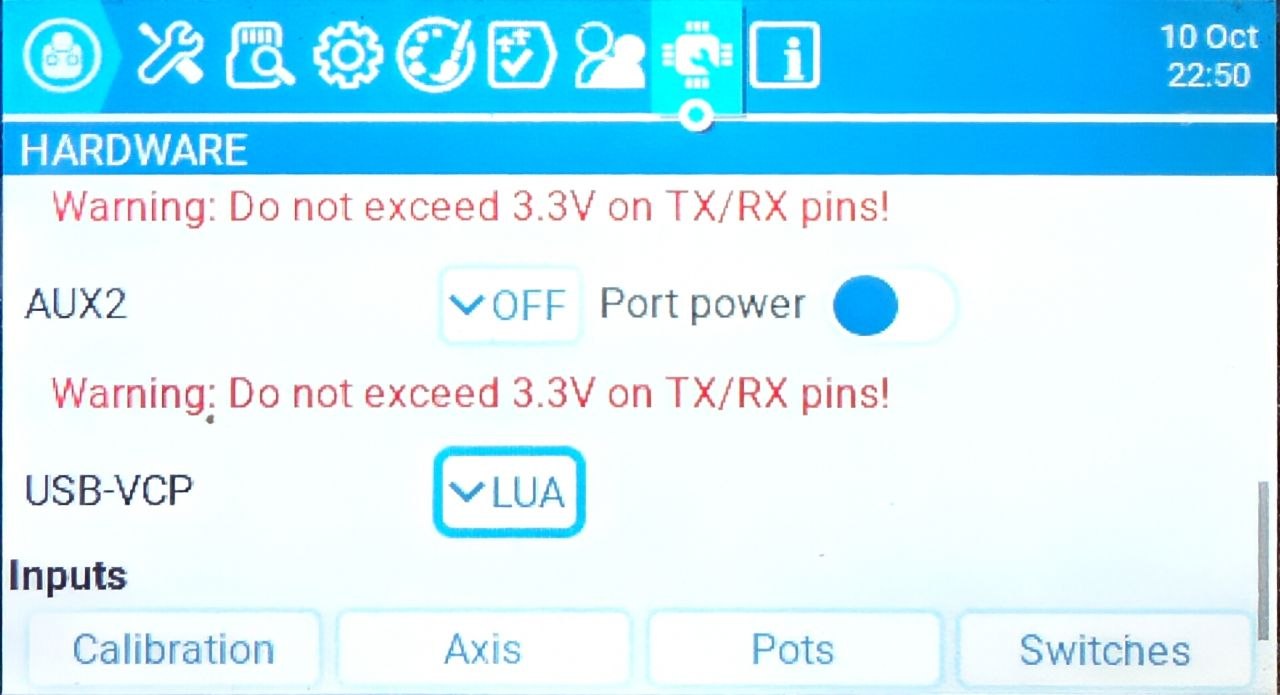
In the remote's settings pick the USB connection mode USB-VCP: LUA.
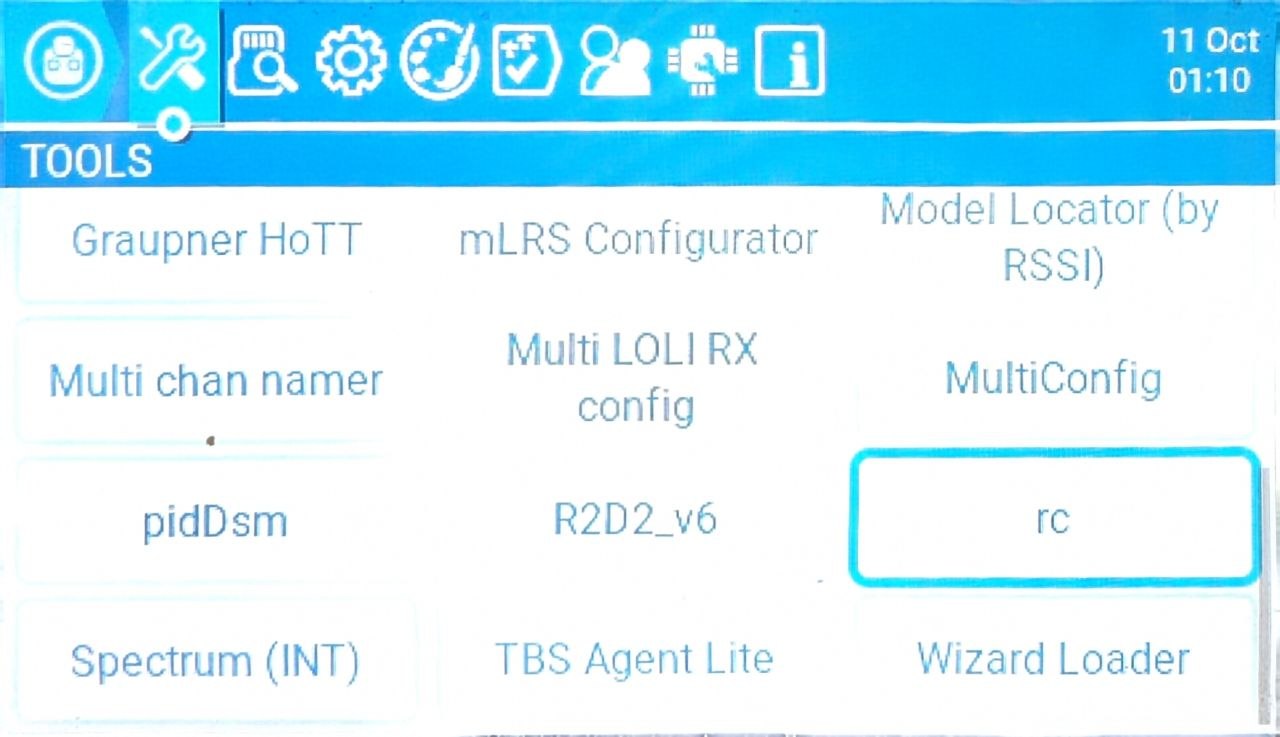
Put the channel-forwarding LUA script
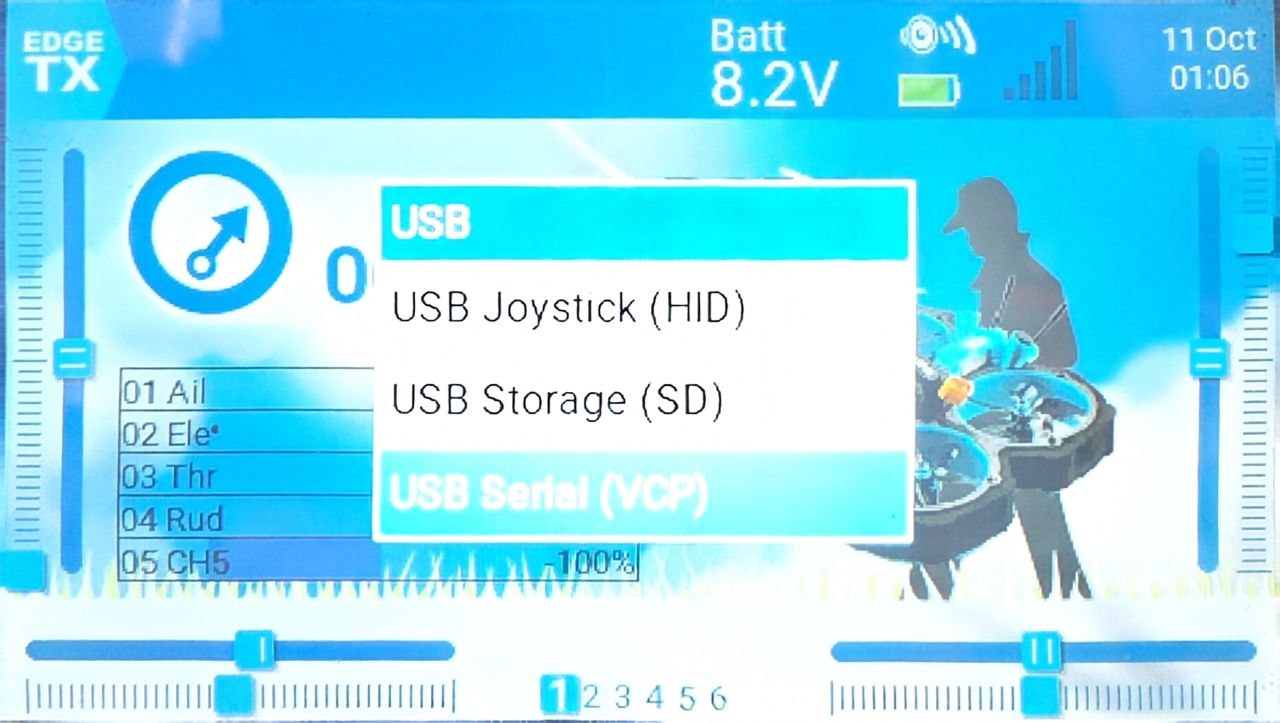
rc.luainto theSCRIPTS/TOOLSfolder on the remote.Connect the remote to the computer and choose USB Serial on the remote.
Run the script.
Flight mode
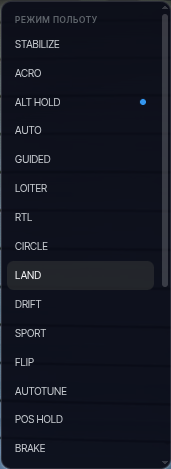
The current mode is shown in the session top bar. Clicking it opens the flight controller mode list — the selected mode is sent to the vehicle:
ARM / DISARM
The app deliberately does not arm the device: the ARMED / DISARMED indicator in the top bar only shows the state. Arming is done by the usual means — from the remote or a ground station. This is an intentional safety decision.
Failsafe
On link loss, after the time set in the settings, the device automatically stops forwarding control — the flight controller failsafe kicks in.