
Widgets
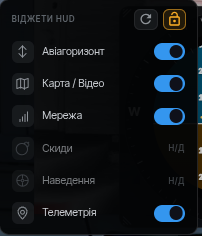
The Widgets button in the session top bar opens the list of HUD widgets:
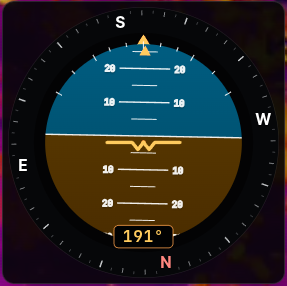
- Attitude — roll, pitch and heading from flight controller telemetry.
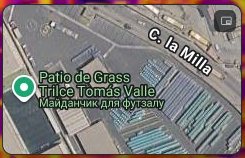
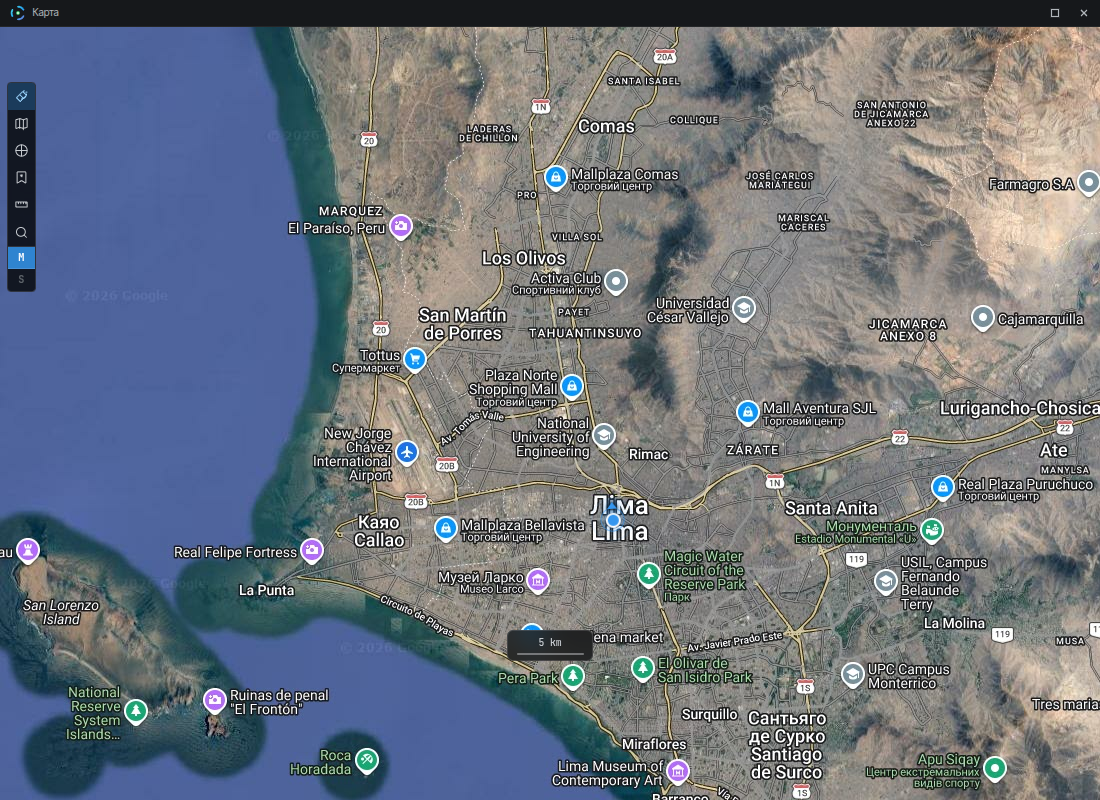
- Map / Video — a mini-map with the device position. The button in the mini-map corner detaches it into a separate window — handy for a second monitor.
- Network — link state: quality, type (direct or via a relay server), RTT, loss, jitter, bitrate.
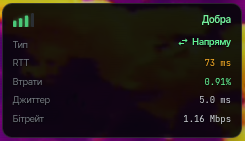
- Telemetry — altitude, vertical speed, time, distance to home, speed, distance.

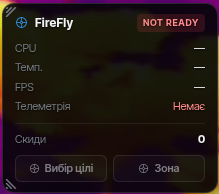
- Drops and Guidance — become available once the corresponding features are configured on the device; otherwise they are marked "N/A".
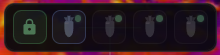
Widgets can be dragged with the mouse and toggled individually. The lock in the panel header protects the layout from accidental moves, and the ↻ button resets it to the default.