
Telemetry & Control
The "operator's remote → vehicle" link.
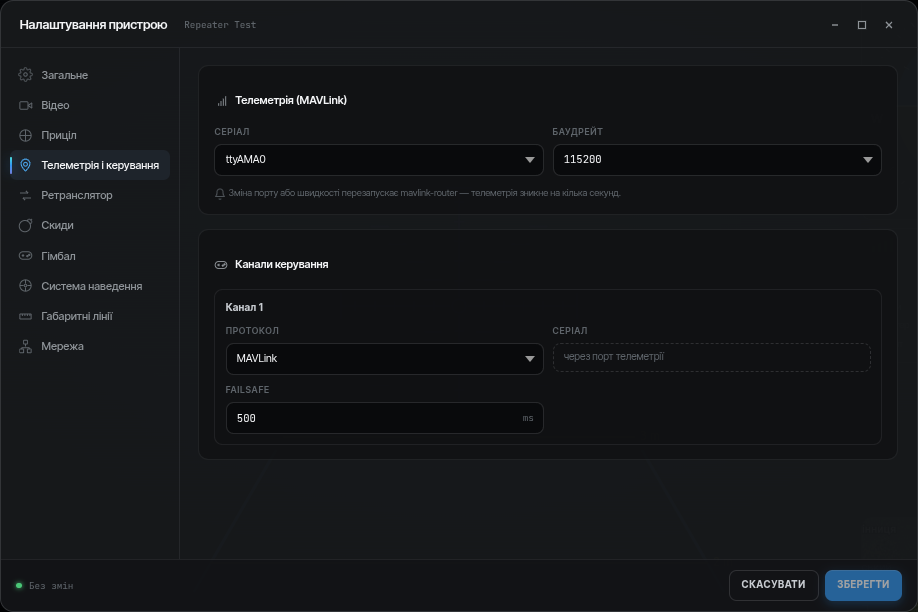
MAVLink
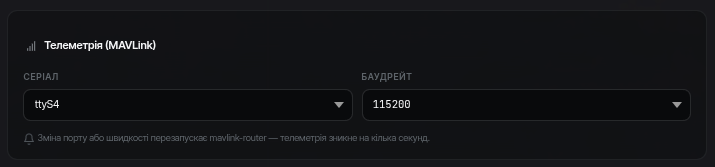
If the flight controller is connected via MAVLink, specify the serial port and baud rate. The device receives controller telemetry over this port.
Control output
Control channels travel from the app to the device over a dedicated channel with the highest priority. The device then outputs them to the flight controller — the method depends on the settings:
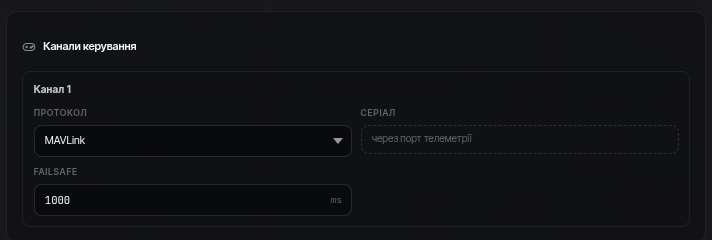
MAVLink — a digital protocol (typical for ArduPilot/PX4); control goes over the same serial port as the telemetry.
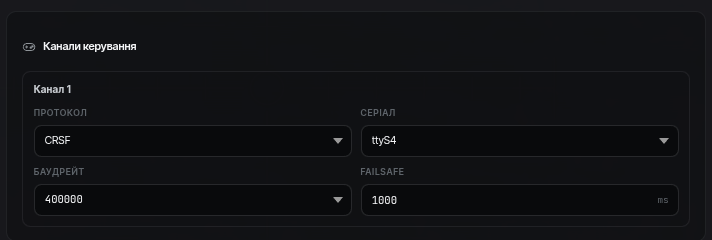
CRSF / SBUS — via the corresponding serial port of the board.
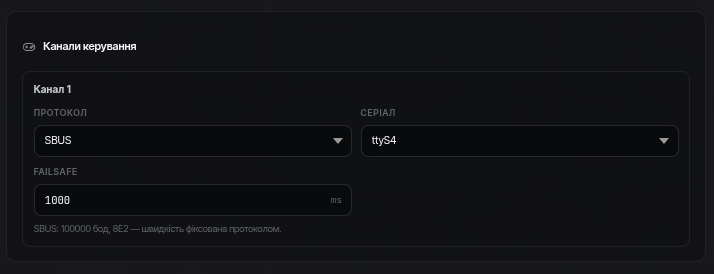
Failsafe
Failsafe timeout — after how many milliseconds without operator commands the device stops outputting control (the vehicle falls back to its own failsafe). The typical value is 500 ms.